

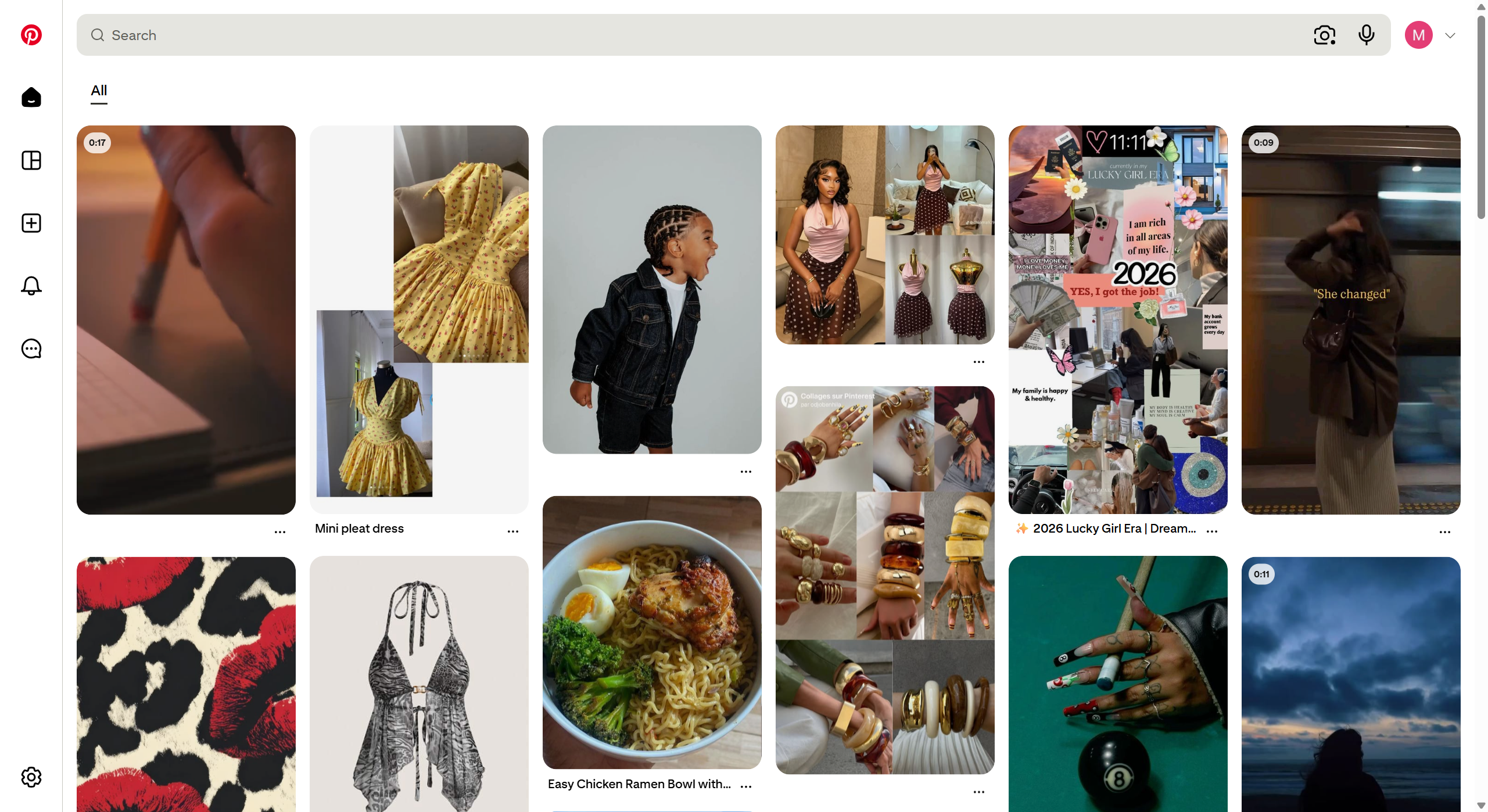
Pinterest is an exciting social media platform where you can discover excellent visual content related to diverse topics, including interior design ideas, clothing styles, recipes, etc. However, when using Pinterest on your PC, you cannot just hit any Download button to save the media you like, hence Pinterest does not provide this option.
Nevertheless, you can utilize a particular pinterest video downloader extension and save high-resolution media files on your computer with just one click. The Pamgoma Video Downloader Chrome extension makes this very seamless. Here is how you can use it to save Pinterest Media on your computer.
Step 1: Install the Pamgoma Chrome Extension
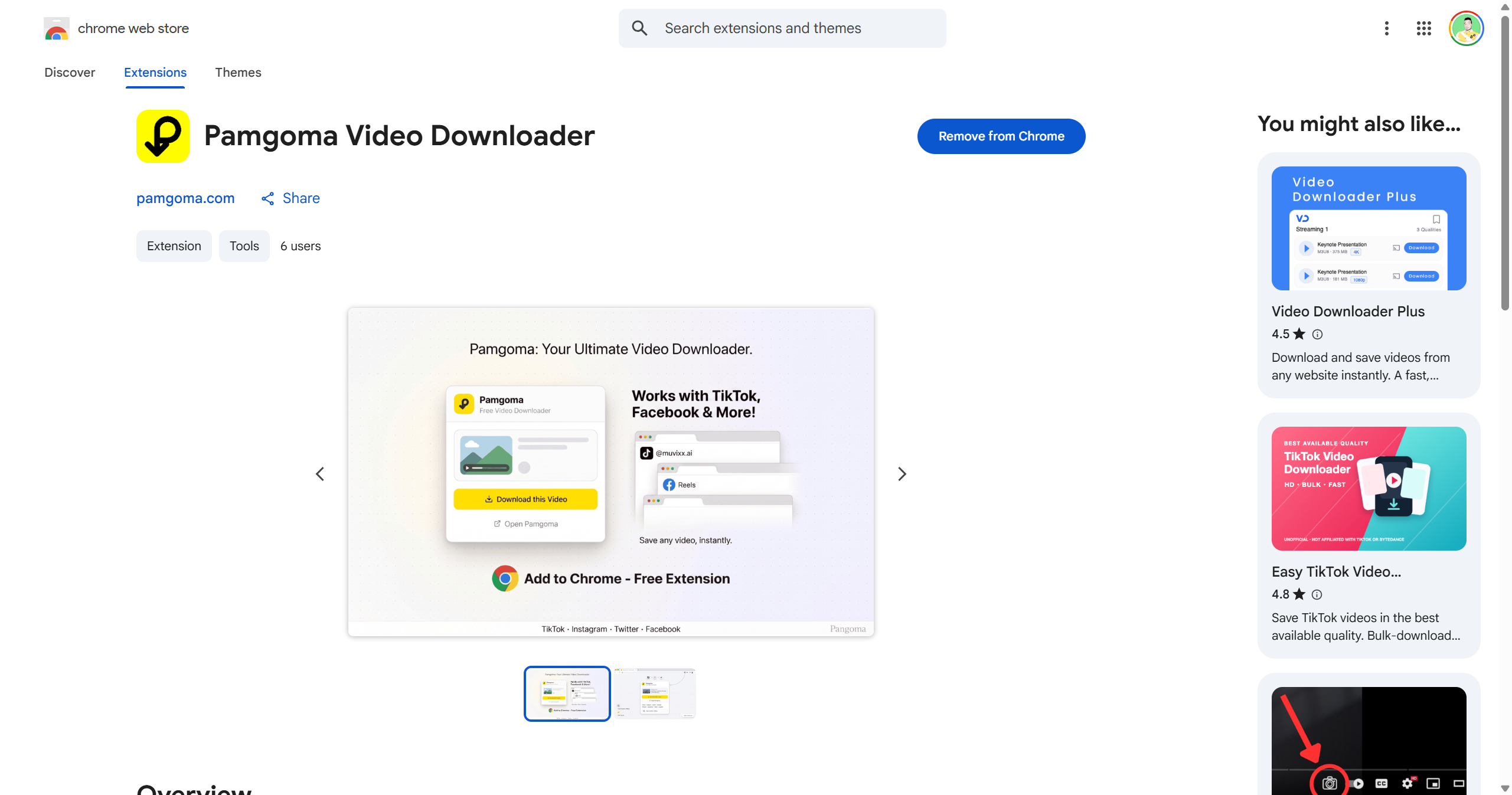
You need to add the Pamgoma extension to your Chrome browser by visiting the official Pamgoma Video Downloader Chrome Web Store page and hit the blue-coloured Add to Chrome button. Then, confirm your choice in the following window by clicking the Add extension button. After this step, you should see the Pamgoma icon in your Chrome extensions panel. You can also right-click this button and select the “Pin” option to make it easier to access the Pinterest downloader extension in the future.
Step 2. Download Pinterest Videos Using the Extension
When using the Pamgoma Pinterest video downloader extension, you can utilize two methods to hit a Download button on any Pinterest media page, which includes:
Method A: Using the Floating On-Screen Button
To use the Floating On-Screen Button;
- Open Pinterest: Go to Pinterest.com in your Chrome browser and open the page with the video or picture you want to save to your computer.
- Click the Pin: Click the media file, so the new Pinterest page opens and make sure the address in the address bar of your browser looks like; [pinterest.com/pin/](https://pinterest.com/pin/)
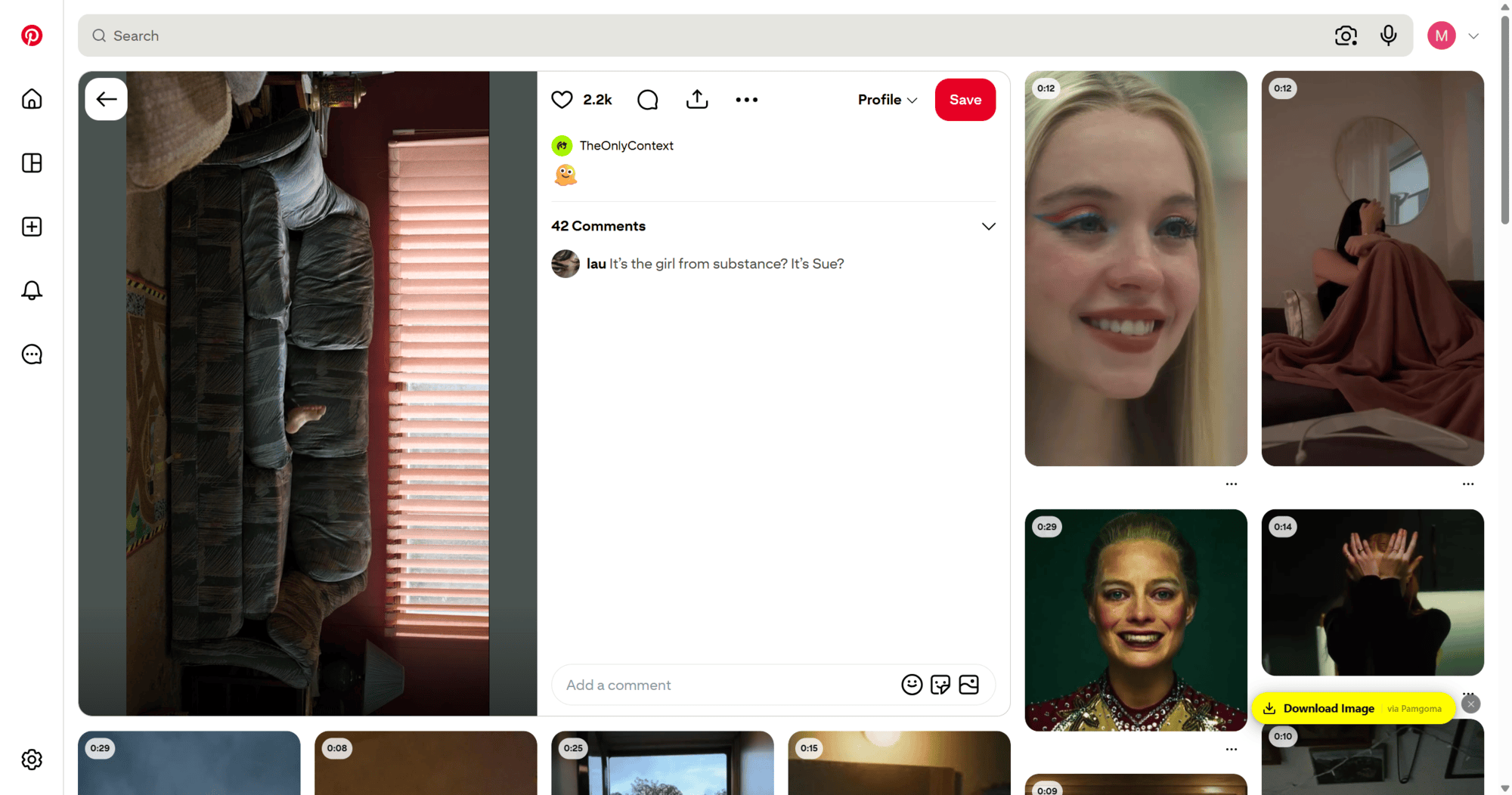
- Locate the Download Button: As soon as the page finishes loading, Pamgoma will detect the media file, you will see the yellow-coloured floating Download Button at the bottom right corner of the screen.
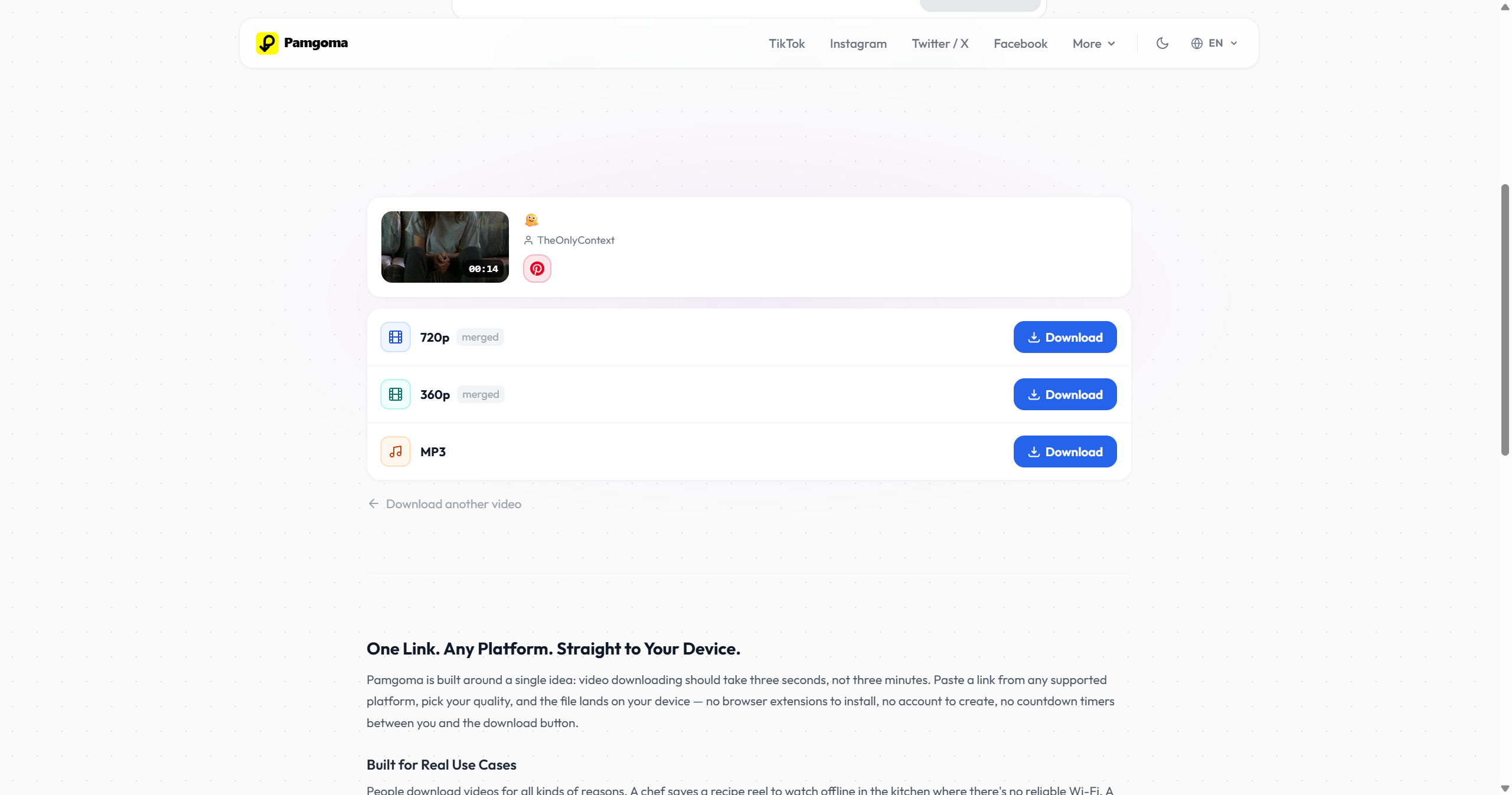
- Initiate Download: Click the button, and a new tab will open and show you the Pamgoma website. At the same time, the link to the original Pinterest media file will automatically be ready for you to save to your PC.
Method B: Using the Extension Toolbar Popup
To utilize this method, you need to:
- Navigate to the Pin: Open the Pinterest page with the video or picture you want to save in Chrome.
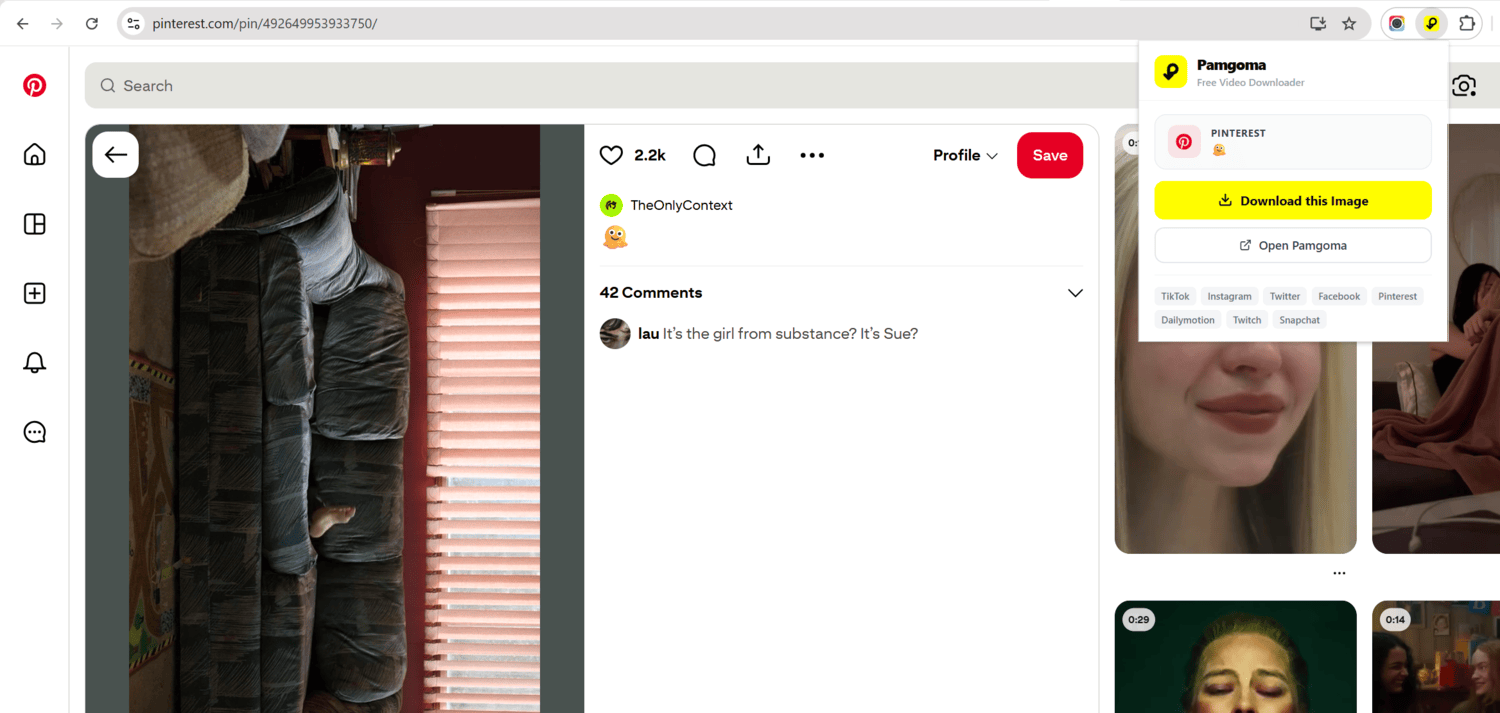
- Use the Popup Interface: Hit the yellow Pamgoma icon in the Chrome extensions panel at the top right corner of your browser. The next step is to find the particular media link in the drop-down menu:
- Save Your Video: Click the yellow Download button in the drop-down menu, and you will be redirected to the web portal of the downloader application, where you can save the MP4 or image file directly to your local storage.
Why Use the Pamgoma Chrome Extension?
If you rely on pinterest video downloader for your daily workflow, adding a chrome extension to download your Pinterest videos offers you numerous benefits that you will not find when using other copy-paste-based services. For example, you do not need to waste time figuring out what kind of media file you need to save or copy lengthy links. The benefits includes:
- Automatic Page Detection: A chrome Pinterest downloader extension will automatically detect the media page and offer to save the high-resolution video or image to your computer.
- Unobtrusive Interface: You will not need to navigate complicated interfaces since the extension offers a floating button you can minimize when you do not need to use the downloader.
- High-Resolution Output: When you use a chrome Pinterest media downloader, you can hit a single button and enjoy the option to save the video in the highest quality possible instead of low-quality versions usually found on the website.
- Multi-Platform Support: You can use the same extension to download TikTok, Instagram, Twitter, Facebook, Dailymotion, Twitch, and Snapchat videos and images as well.
By installing the Pamgoma extension, keeping a personal archive of your favourite Pinterest ideas on your computer will become much faster and easier. You can now save your favourite media files with just one click!

Discussion